
AI sales on autopilot · $0 to start · No code
Inside:
- Forms that qualify · free
- An agent that answers WhatsApp · free
- An agent that calls for you · free
- Notes from your meetings · free
- Flows that connect everything · free
Works with the tools you already use.
Before the tools: the 5 money leaks in your sales
Most businesses don't lose sales because of a bad product. They lose them along the way: between the moment someone raises their hand and the moment they pay. Every step of that path has a leak, and almost all of them have the same cause: you don't have time to do everything by hand.
High-return sales come from plugging those leaks, not from getting more traffic. If today you close 2 out of every 10 people who reach out, going to 3 out of 10 is 50% more sales from the same people. These are the five leaks, and the AI that plugs each one:
| The leak | What happens today | The AI that plugs it |
|---|---|---|
| Leak 1 · You treat everyone the same | You lose hours with people who were never going to buy, and the good customer waits their turn. | Forms that qualify |
| Leak 2 · You reply late | The customer messages three businesses. They usually buy from the first one that answers well. | WhatsApp agent |
| Leak 3 · You don't call in time | The lead filled out your form on Monday and you call on Thursday. By then they don't remember you. | Agent that calls |
| Leak 4 · You forget what you promised | You leave the meeting without writing down the objection or the follow-up date, and the customer goes cold. | Notes from your meetings |
| Leak 5 · You copy data by hand | You move leads from one app to another, some slip through and nobody follows up. | AI flows |
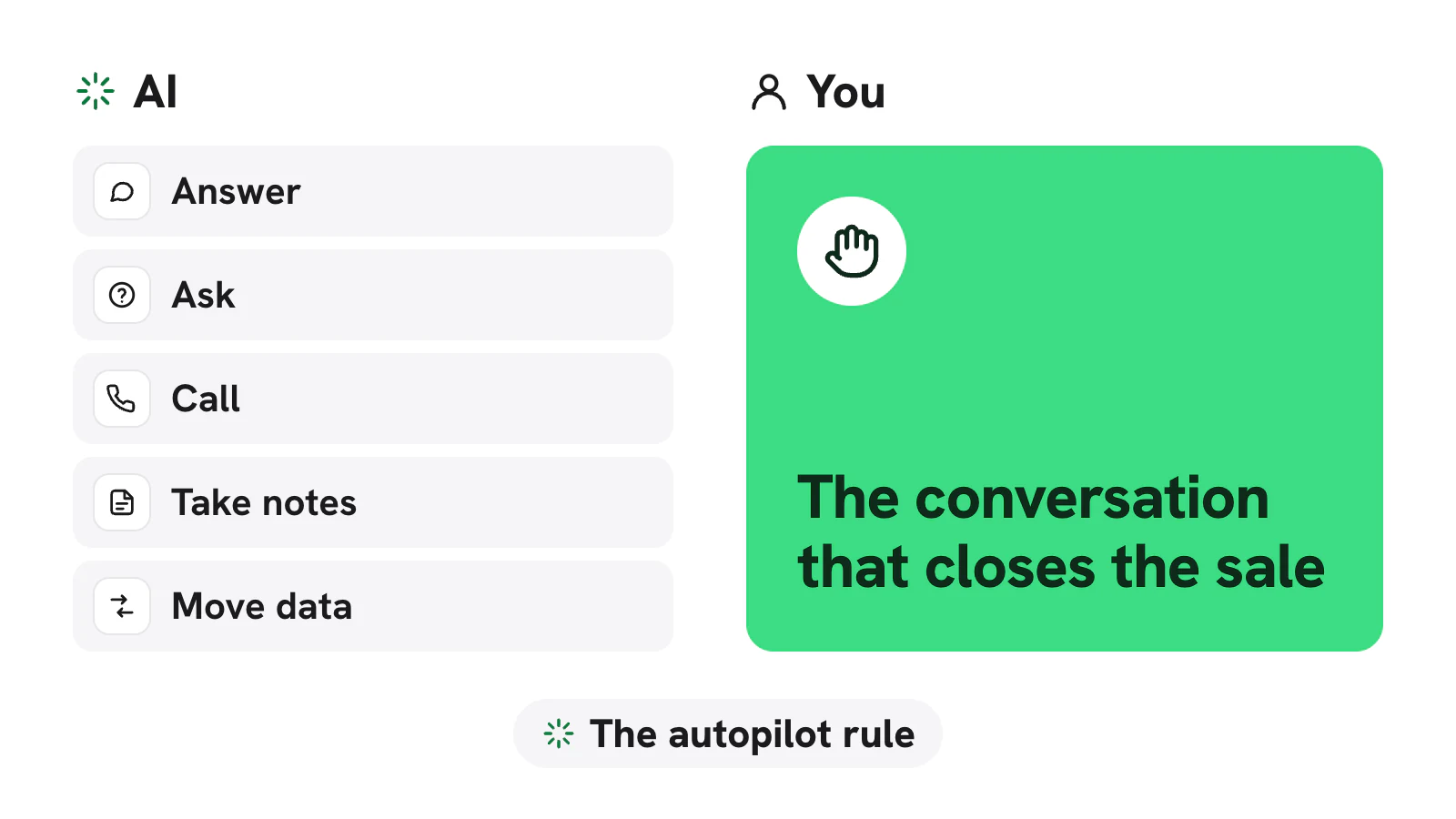
The autopilot rule: AI does the repetitive work: answering, asking, calling, taking notes and moving data. You do the one thing that's worth the most: the conversation that closes the sale.
How to use this guide
- Find the leak in the table that hurts you most today.
- Go to that tool and set it up with the 3 steps.
- Measure for a week: responses, appointments or sales.
- Once it works, add the next one.
What you need
- $0: every one of them starts free, no credit card.
- Zero code: you set them up by typing, like a chat.
- One afternoon to get all five running.
- Your usual apps: WhatsApp, Gmail, your calendar and your CRM.
01dForms: the form builder for AI agents
With AI · Free forever and open source · Plugs leak 1: you treat everyone the same
What it does. It's a form builder made for your AI to run. You tell Claude or ChatGPT what you need and your AI builds the form, publishes it and reads every response. Every lead comes in with a score based on what they answered: budget, urgency, business size.
How it fits your sales. It's the front door to the whole system. Instead of a “contact us” that fills up with tire-kickers, every person answers 3 or 4 questions before talking to you. Hot leads book a call on their own; the rest go to your CRM for follow-up. You call the people who can actually buy first.
Studio leads · new response
Your budget? Over $5,000 · When do you want to start? This month · How did you find us? Instagram
Score 72 · hot lead: booked a call
Set it up in 3 steps
- Connect dForms to your AI with a link (the “Connect your agent” button).
- Ask it: “make a form that asks for budget and timing”.
- Tell it how much each answer is worth and share the link.
Sales tip: ask for the budget with ranges, not an open field. More people answer, and it tells you right away whether the call is worth it.
Works with: Claude, ChatGPT, HubSpot and Google Sheets.
02An AI agent on your WhatsApp (Dapta WhatsApp agent)
With AI · Free plan · Plugs leak 2: you reply late
What it does. An artificial intelligence agent that answers your WhatsApp Business in seconds, 24 hours a day, in the customer's language. It learns from your documents, FAQs and website, so it answers like your team. If the conversation gets complicated, it hands it to a person with all the context.
How it fits your sales. It's your on-call salesperson: it answers questions, gives prices, qualifies, books the appointment on your calendar and sends the lead to your CRM. It also chases unanswered messages. The customer who writes at 11 at night no longer waits until tomorrow.
Your business · 11:14 PM
Customer: “Hi, how much is the monthly plan?”
Agent: “Hi! It depends on what you need. How many people would it be for?”
Agent: “For 3, it comes to $120. Want me to book you a trial on Thursday?”
Set it up in 3 steps
- Upload your website, your prices and your FAQs.
- Connect your number with Meta's guided sign-up, no coding.
- Tell it what to ask to qualify and when to hand the conversation to you.
Sales tip: never let it drop the price on its own. Have it ask first what the customer needs, the way your best salesperson would.
Works with: WhatsApp, Google Calendar, HubSpot and Salesforce.
03An AI agent that calls for you (Dapta voice agent)
With AI · Free plan · Plugs leak 3: you don't call in time
What it does. An AI voice agent that makes and takes calls with a voice that sounds human. You create it in minutes with no code and teach it your business with your website URL and your documents. During the call it notes name, budget and intent, detects voicemail and can transfer the call to a person.
How it fits your sales. It calls the lead as soon as they come in, while their intent is still fresh. It asks your questions, checks your calendar and books the appointment on the same call, and logs everything in your CRM. You only show up to appointments with people who are already qualified.
Outbound call · 2 min 14 s
Budget $8,000 · High interest · Decision maker: her, with her partner
Appointment booked: Thursday 10:00 AM · CRM updated
Set it up in 3 steps
- Create the agent and write what it should ask and achieve.
- Give it your website URL and your documents.
- Connect your calendar and your CRM, and test it by calling yourself.
Sales tip: make the goal of the call booking, not selling. A short call that ends in an appointment is worth more than a long one with no next step.
Works with: Google Calendar, HubSpot, Salesforce and Google Sheets.
04AI notes from your meetings (Dapta Notetaker)
With AI · 100 hours free · Plugs leak 4: you forget what you promised
What it does. An AI note taker that joins your Zoom, Google Meet and Teams calls. When the call ends, it leaves you a summary, decisions, tasks with an owner and a searchable transcript. Ask it for the executive summary, the objections or the follow-up email ready to send.
How it fits your sales. You focus on the customer, not your notebook. Its assistants score the meeting with BANT (budget, authority, need, timing) and save it in HubSpot, send tasks to Google Sheets or alert you in Slack if a customer sounds like they're about to walk.
Meeting with Ana · 28 min
Budget $8,000 · Objection: setup time · Task: proposal on Friday
Follow-up email ready · HubSpot up to date
Set it up in 3 steps
- Connect your calendar: it joins your meetings on its own.
- Choose the assistants you want (BANT, tasks, risk).
- After each call, ask it for the follow-up email.
Sales tip: every week, ask it for the objections that came up most. That's what you need to answer before they ask.
Works with: Google Meet, Zoom, Microsoft Teams and Slack.
05AI flows that connect everything (Dapta flows)
With AI · Free plan · Plugs leak 5: you copy data by hand
What it does. It connects your apps and puts AI to work between them, with no coding. It has more than 2,000 integrations and you can use the AI model you prefer. Use it to enrich and score your leads, trigger personalized emails and alert your team when someone important comes in.
How it fits your sales. It's the glue that turns the other four into a system. When someone fills out your form, the flow sends them to your CRM, kicks off the WhatsApp and the call, and emails you. No lead gets stuck in a forgotten app.
Flow: new lead · active
Trigger: dForms response
If the score is over 60: WhatsApp + call
Always: HubSpot + Gmail alert
Set it up in 3 steps
- Connect your CRM, your email and your sheets.
- Choose what triggers it: a new form response, for example.
- Add the steps and test it with a fake lead.
Sales tip: have the flow record where each customer came from. In a month you'll know which channel brings you the people who actually buy.
Works with: Gmail, Google Sheets, HubSpot and Slack.
The complete system: your sales on autopilot
| Step | What happens |
|---|---|
| 01 · Form | They come in and get qualified. Score 72: hot |
| 02 · WhatsApp | You answer instantly. Questions and price handled |
| 03 · Call | You call within minutes. Appointment booked |
| 04 · Notes | You close the sale. Follow-up written down |
| 05 · Flows | Everything gets logged. CRM up to date |
| Tool | What it costs to start |
|---|---|
| Forms that qualify (dForms) | $0 forever · open source |
| WhatsApp agent, voice agent and AI flows | $0 · free plan, no credit card |
| Notes from your meetings | $0 · 100 hours free |
| Your AI sales system | $0 to start |
Do it with dForms
Build this playbook's form in minutes.
Start today with the one that's free forever. Create the form in dForms that qualifies your customers before the call. You build it in 2 minutes by asking your AI.
Free forever. No card.
Keep reading for free
Create your account to read the rest of this playbook and the whole free resource library. Free forever.
No card. Already have an account? Log in
In the rest of the playbook
- 01dForms: the form builder for AI agents
- 02An AI agent on your WhatsApp (Dapta WhatsApp agent)
- 03An AI agent that calls for you (Dapta voice agent)
- 04AI notes from your meetings (Dapta Notetaker)
- 05AI flows that connect everything (Dapta flows)
- The complete system: your sales on autopilot
- Do it with dForms